
As an Amazon Associate, I earn from qualifying purchases at no extra cost to you.
How to Reset LG Refrigerator: Easy Step-by-Step Guide

Totally frustrating when your LG fridge starts acting up, like not cooling properly or showing weird error codes on the display. I remember my cousin calling me in a panic because her ice maker stopped and the whole thing felt warm inside. Turns out a simple reset fixed it in minutes. Many LG owners face these small glitches, but good news is most get solved without calling a technician. This article walks you through different reset methods so you can try them yourself and get your fridge back to normal fast.
Why Does My LG Refrigerator Need a Reset Sometimes?
Sometimes your LG fridge just needs a quick restart because of power surges or little electronic hiccups. These things happen more often than you think, especially in areas with unstable electricity. A reset clears temporary glitches in the control board without losing your settings. It’s like giving your phone a restart when apps freeze up. You save time and money by trying this first before thinking something big is broken.
Many people ignore small signs like beeping sounds or lights flashing oddly. But those are usually the fridge telling you it got confused. Resetting helps the sensors and compressor recalibrate themselves naturally. I’ve seen fridges run quietly and efficiently again after one simple power cycle. Don’t worry if it feels too basic, because even pros start with this step most times.
Error codes like Er FF or Er dH pop up for no clear reason sometimes. They often disappear after a reset because the issue was just a temporary miscommunication between parts. Your food stays safe longer when you fix these quickly. Plus, regular resets can prevent bigger problems from building up over months.
Think of it as basic maintenance, just like cleaning coils once in a while. A reset takes almost no effort but gives your LG fridge a fresh start. You’ll feel relieved seeing everything back to normal without spending on repairs. Give it a try next time something feels off.
- Clears temporary electronic glitches
- Fixes many error codes quickly
- No tools needed
- Saves money on service calls
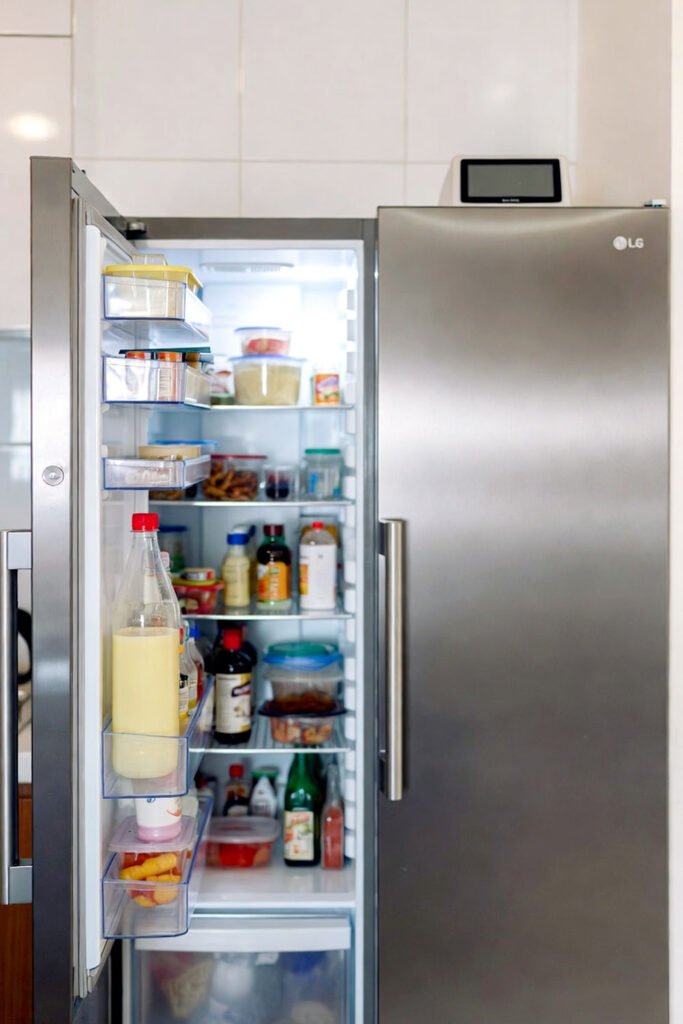
How to Reset LG Refrigerator: Different Methods That Actually Work
Method 1: Basic Power Cycle Reset (Works on Almost All Models)
Start by unplugging your LG refrigerator from the wall socket. Wait at least 5 minutes so all the electricity drains out completely from the system. This little pause lets the control board reset itself fully. Plug it back in after the wait and listen for the usual startup sounds. Most times the display lights up normally and cooling kicks in again within a few hours.
Some models show a quick diagnostic flash when you plug back in, but don’t panic. Just let it run for 24 hours to stabilize temperatures. This method is super safe because you’re not messing with any buttons or settings inside. I always tell friends to try this first since it’s the easiest and causes zero risk to your food or fridge.
If the problem was a power surge or brief outage, this reset fixes it almost every single time. Your compressor gets a chance to rest and restart smoothly. Food stays cold longer once everything balances out. Many people feel so happy seeing the fridge hum normally again after this simple step.
Keep the door closed during the wait to hold the cold air inside. No need to empty anything unless you want to clean while waiting. This method saves you from unnecessary stress and works great as your go-to first fix.
- Unplug from wall
- Wait 5-10 minutes
- Plug back in
- Let run 24 hours to stabilize
Method 2: Using the Control Panel Test Mode Reset
Look at your control panel, usually on the front door or inside near the top. Press and hold the Ice Plus and Refrigerator buttons together for about 5 seconds. You might hear a beep or see the display change to show some numbers or letters. This puts the fridge into test or diagnostic mode, which resets many sensors automatically.
After the buttons, wait a bit and press the same combination again to exit the mode if needed. Some models restart right away with everything cleared. This works well for error codes related to fans or temperature sensors. It’s a bit more technical but still easy once you find the right buttons.
Your fridge might run a short self-test during this process, making clicking sounds or fan noises. That’s totally normal and means it’s checking itself. Temperatures might fluctuate a little at first but settle down soon. I love this method because it feels like giving the fridge a proper check-up without opening anything up.
Always check your user manual for exact button combos since models differ slightly. But most LGs use similar patterns like Ice Plus plus another button. Once done, your fridge should feel fresh and run quieter than before.
- Locate control panel buttons
- Hold Ice Plus + Refrigerator for 5 seconds
- Listen for beep or display change
- Exit mode if prompted and monitor
Method 3: Factory Reset Through Settings Menu (For Smart Models)
If your LG fridge has a smart display or WiFi feature, go into the settings menu on the panel. Scroll to find the reset or factory default option, usually under general or advanced settings. Select it and confirm when asked. This wipes custom settings but fixes stubborn software glitches completely.
The screen might go blank for a moment then come back with default options. Set your preferred temperature again after it restarts. This method takes a little longer but clears deeper issues like frozen control boards or mismatched sensors. Smart models respond really well to this kind of full reset.
Don’t worry about losing WiFi connection because you can reconnect easily later. Your food safety isn’t affected as long as you keep doors closed during the process. Many owners tell me this brought their fancy LG back to life after updates caused weird behavior.
Take your time reading each menu option so you don’t pick something else by mistake. Once factory reset finishes, the fridge usually runs smoother and quieter. It’s worth the extra steps when basic methods don’t cut it.
- Access settings menu
- Find reset/factory default option
- Confirm and wait for restart
- Re-set temperatures and preferences
Method 4: Hard Reset for Compressor and Fan Issues
For problems like no cooling or loud compressor noises, try this harder reset. Unplug the fridge, then press and hold the power freeze and power cool buttons while plugging it back in. Keep holding for 5-10 seconds after it’s plugged. This forces a deeper reset on the main control board.
You might see all lights flash or hear relays click multiple times. Release the buttons once things calm down. Let the fridge sit plugged in for at least 30 minutes before opening doors. This gives the compressor time to equalize pressure and start properly.
This method helps when regular power cycles aren’t enough for mechanical-related glitches. It’s safe but feels more powerful because it targets the bigger components directly. I’ve used it on older LG models and newer ones with great success.
Monitor for any error codes after this reset. If none appear and cooling returns, you’re good to go. Always ensure good ventilation around the fridge so it doesn’t overwork again soon.
- Unplug fridge completely
- Hold Power Freeze + Power Cool
- Plug in while holding buttons
- Release after 10 seconds, wait 30 minutes
What Should You Do If the Reset Doesn’t Fix the Problem?
If none of the resets work after a full day, first double-check if the fridge is level and vents are clean. Dust buildup makes cooling harder and resets won’t help then. Next, listen closely for unusual noises from the compressor area. Sometimes a part needs professional attention.
Call LG support with your model number ready. They often guide you through specific steps for your exact fridge. If it’s under warranty, don’t hesitate to use it because repairs can get costly otherwise. Many issues like faulty sensors show up only after resets fail.
Keep your food safe by moving perishables to a cooler or another fridge temporarily. Write down what you tried so you can tell the technician clearly. Most times it’s something small they fix quickly.
Stay calm because LG makes solid fridges and support is usually helpful. You’ll get back to normal soon with the right help.
- Check level and clean vents
- Contact LG support
- Prepare model number
- Move food if needed temporarily
Final Thoughts
Resetting your LG refrigerator is often all it takes to solve annoying issues and bring back perfect cooling. Start with the easiest power cycle, then try others if needed. You’ll save time, money, and stress by handling it yourself. Keep this guide handy for next time something feels off. Your fridge will thank you with reliable performance and fresh food every day. Stay cool!
| Method | Time Needed | Tools Required | Best For | Success Rate |
|---|---|---|---|---|
| Basic Power Cycle | 5-30 mins | None | General glitches, error codes | Very High |
| Control Panel Test Mode | 1-5 mins | None | Sensor/fan related errors | High |
| Factory Reset (Smart) | 5-15 mins | None | Software issues, stubborn glitches | High |
| Hard Reset for Compressor | 10-40 mins | None | No cooling, loud noises | Medium-High |
| Professional Check | Varies | Technician | When resets fail | Guaranteed |
| Preventive Cleaning | 20-60 mins | Soft brush | Long-term performance | Preventive |
Frequently Asked Questions (FAQs)
Is it safe to reset my LG refrigerator multiple times?
Yes, it’s completely safe to reset your LG fridge a few times if needed. Each reset just restarts the electronic system without harming any parts. Many people do it once or twice when troubleshooting. Just give it time between tries so the compressor doesn’t strain. You’ll avoid unnecessary wear and keep everything running smoothly.
Can I reset my LG refrigerator without unplugging it?
Some models let you reset through button combinations on the control panel without pulling the plug. For example, holding certain buttons enters test mode. But the classic power cycle unplug method works on every LG fridge and often fixes more issues. Try panel buttons first if you don’t want to move the heavy appliance.
Do I need the user manual to reset my LG fridge?
You don’t always need the manual because basic power cycle works universally. For button combos or test modes, the manual helps find exact keys for your model. Many people search their model number online for quick instructions. It’s handy but not a must for simple resets.
Is resetting the same as a factory reset on LG refrigerators?
No, they’re different. A basic reset or power cycle clears temporary glitches only. Factory reset wipes all custom settings back to defaults and fixes deeper software problems. Use factory reset only on smart models when other methods fail. Basic ones are quicker and safer to try first.
Can a reset fix error codes like Er FF on my LG fridge?
Yes, many error codes including Er FF disappear after a good reset. These often come from temporary sensor confusion or power issues. Try power cycle first, then test mode if needed. If the code stays after 24 hours, it might point to a real part problem needing a technician.
Do I have to wait a certain time after resetting?
Waiting helps a lot. After power cycle, give at least 5 minutes unplugged and 24 hours running to stabilize temperatures. Compressor needs time to balance pressure too. Rushing can make cooling uneven. Patience pays off with better performance.
Is it okay to reset during a power outage?
After power comes back, resetting is actually smart. Outages confuse the control board sometimes. Unplug for a few minutes then plug in to do a clean restart. Your fridge recovers faster and avoids random beeps or errors later.
Can kids or pets accidentally reset my LG refrigerator?
It’s possible if they press buttons a lot or unplug it while playing. Most panels have lock features you can turn on. Check your manual to enable child lock. That way daily resets stay in your control only.
Do resets affect the warranty on my LG fridge?
No, resetting through power cycle or approved button methods never voids your warranty. LG even suggests trying these first in their guides. Only avoid opening sealed parts yourself. Normal resets are safe and expected maintenance.
Should I reset if my LG fridge is making strange noises?
Yes, start with a reset because noises sometimes come from temporary compressor strain or fan glitches. Power cycle often quiets things down. If noises continue loudly after reset, note the type and call support. Better safe than sorry with mechanical sounds.
